Old photo restoration
Old Photo Restoration Online for Damaged Family Photos
Repair scratches and fading, sharpen faces, and bring family prints back — free, in about a minute.
Free · No signup · Photos deleted in 48 hours
Start free. Preview without a signup or credit card.

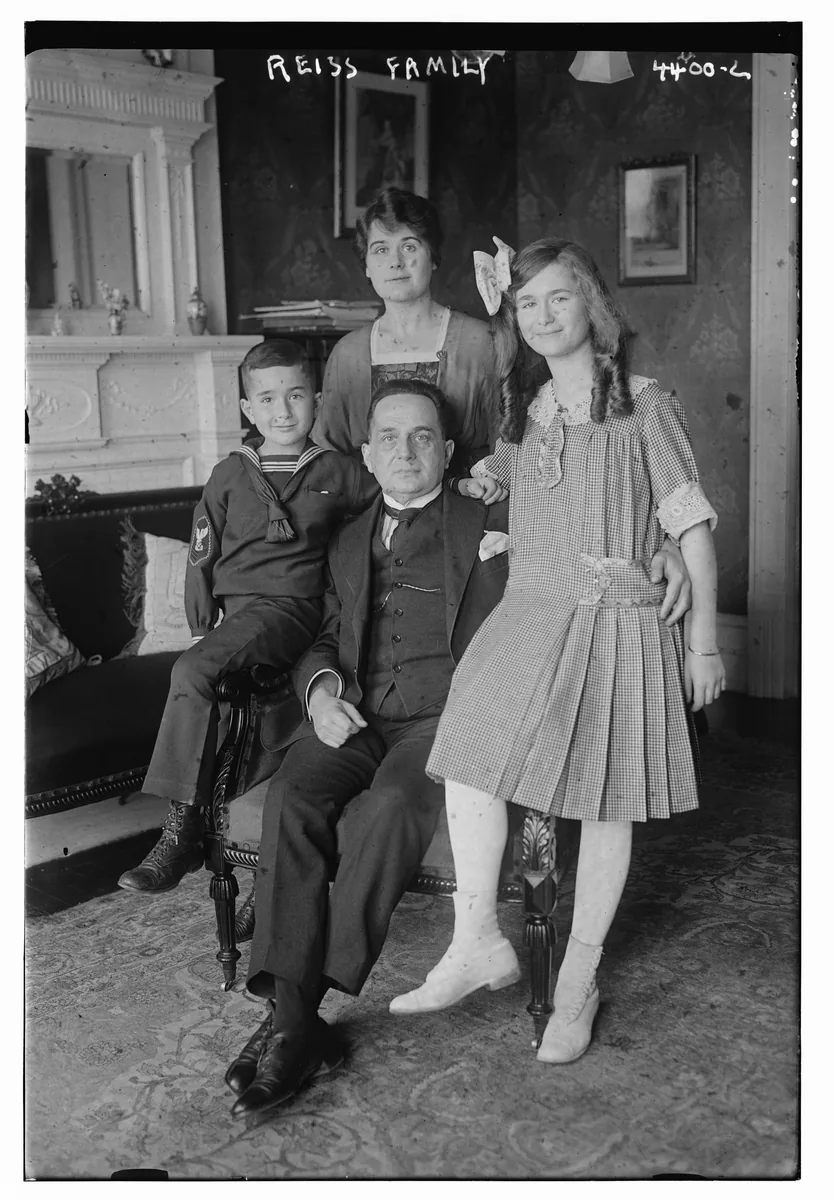
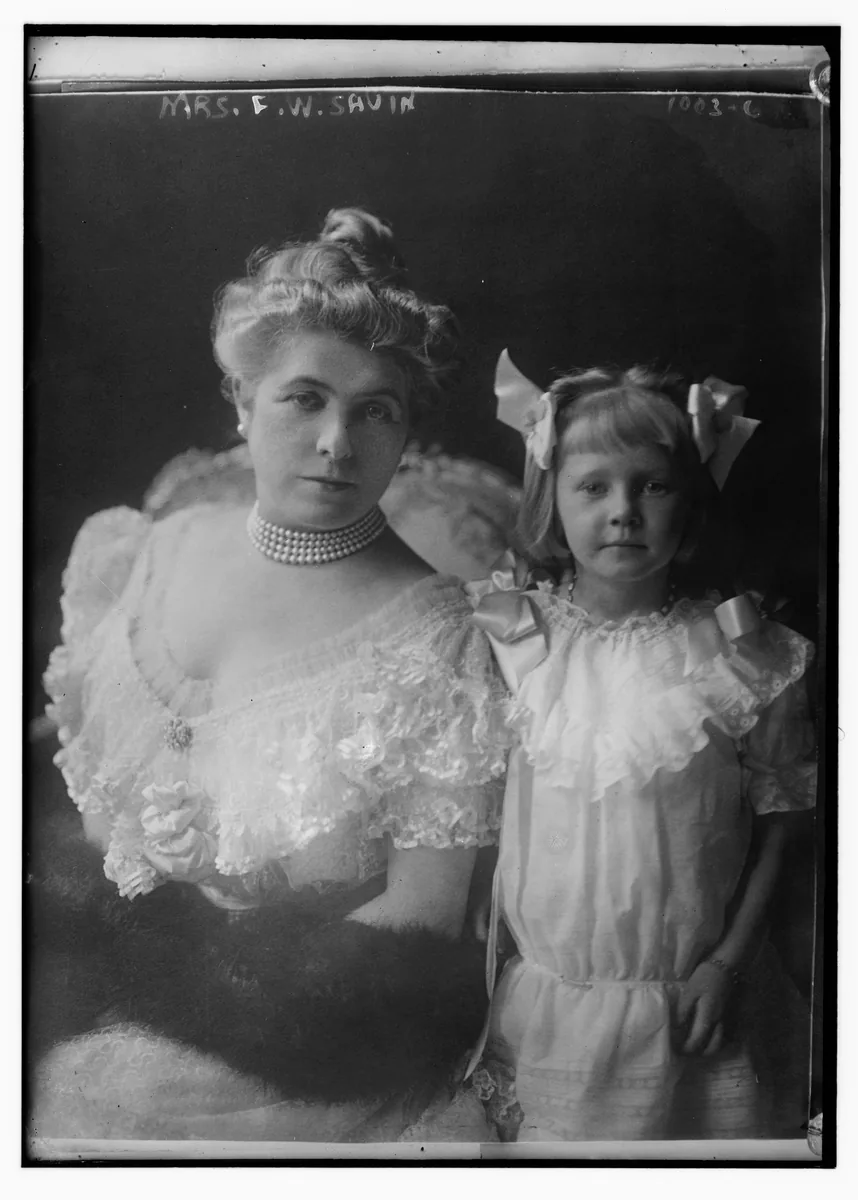
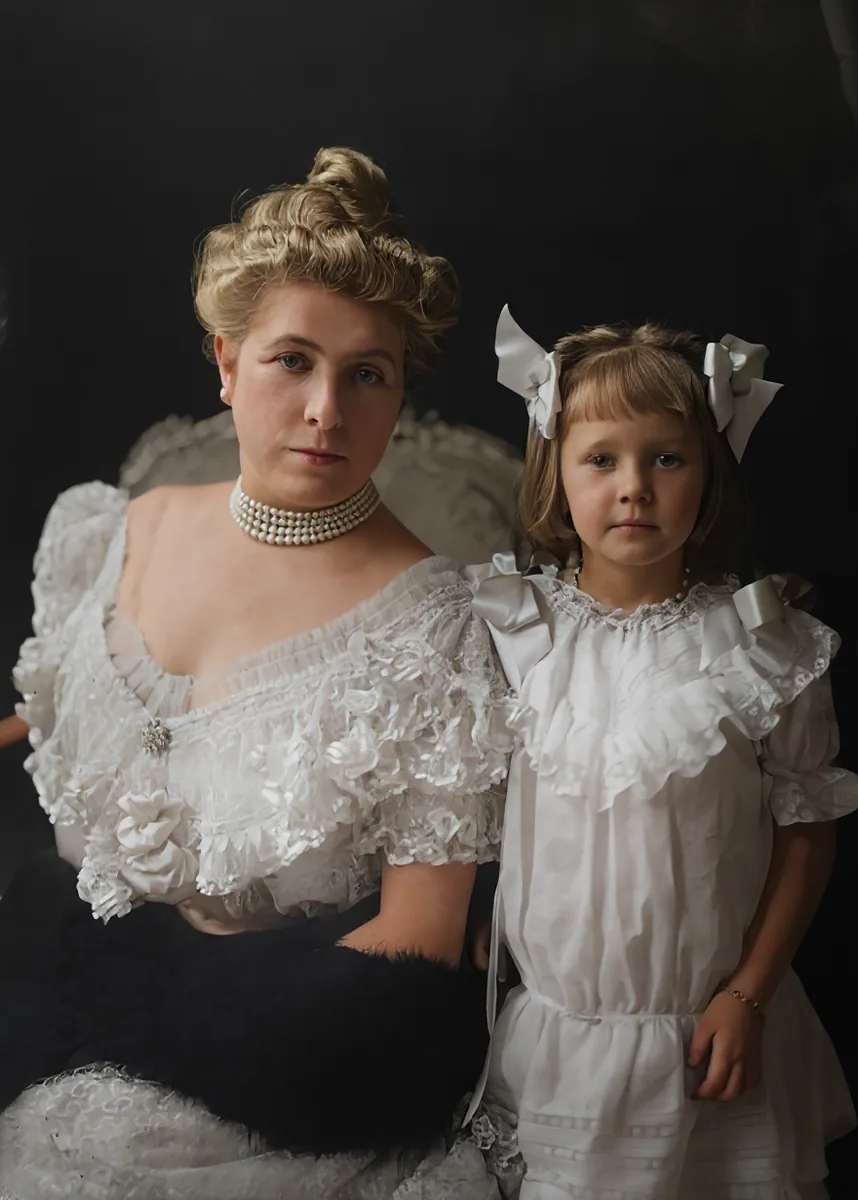
Demo photo: Library of Congress, Prints & Photographs Division (No known restrictions). Drag the slider to compare.
How it works
Restore an old photo in three steps
Nothing to install. No editing skills needed. Upload, wait about a minute, download. For the full guide, see AI photo restoration.
Upload
Pick a scan or a clear phone photo of a print — JPG, PNG or WebP.
AI restores
Faces sharpen, scratches and fading improve, B&W can gain gentle color.
Download
Compare before and after, then save the restored copy to keep or print.
Tools
Restore, colorize, and sharpen old photos
Five fix types — each card opens real before/after examples below.
Before & after
Before and after: real family photos restored
Scratches & tears
Repair scratches and creases on old prints
Old photo restoration cleans surface scratches, dust spots, light creases and emulsion cracks while keeping the original composition — so family prints look ready to share or reprint.
AI photo restorationBlurry portraits
Enhance blurry portraits and soft scans
Old photo restoration sharpens soft wallet prints and low-resolution scans so faces and clothing edges read more clearly on screen and for small reprints.
Enhance a portrait free →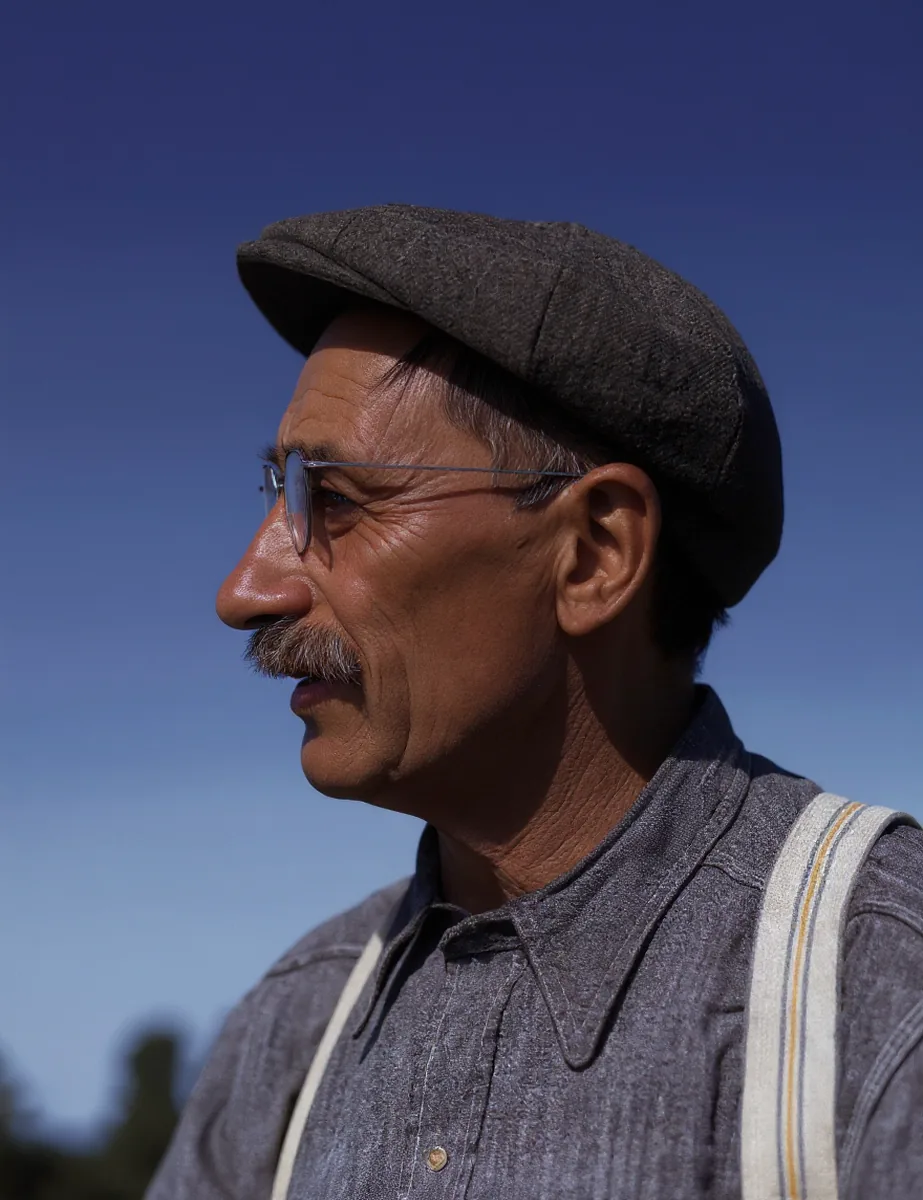
Faded color
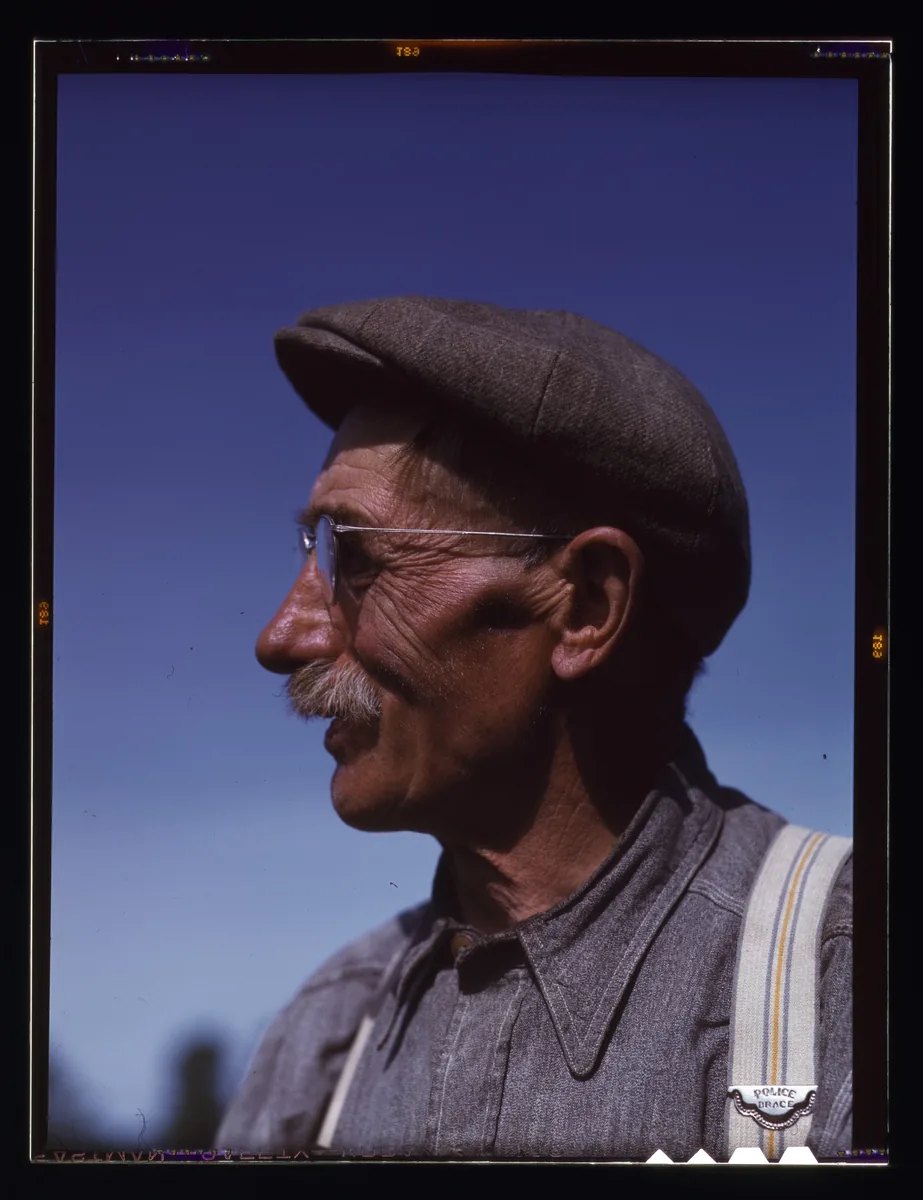
Restore faded family photos online
Old photo restoration opens up dark shadows, softens yellow or green casts, and revives faded Kodachrome tones so album pages look fresher on a modern screen.
AI photo restoration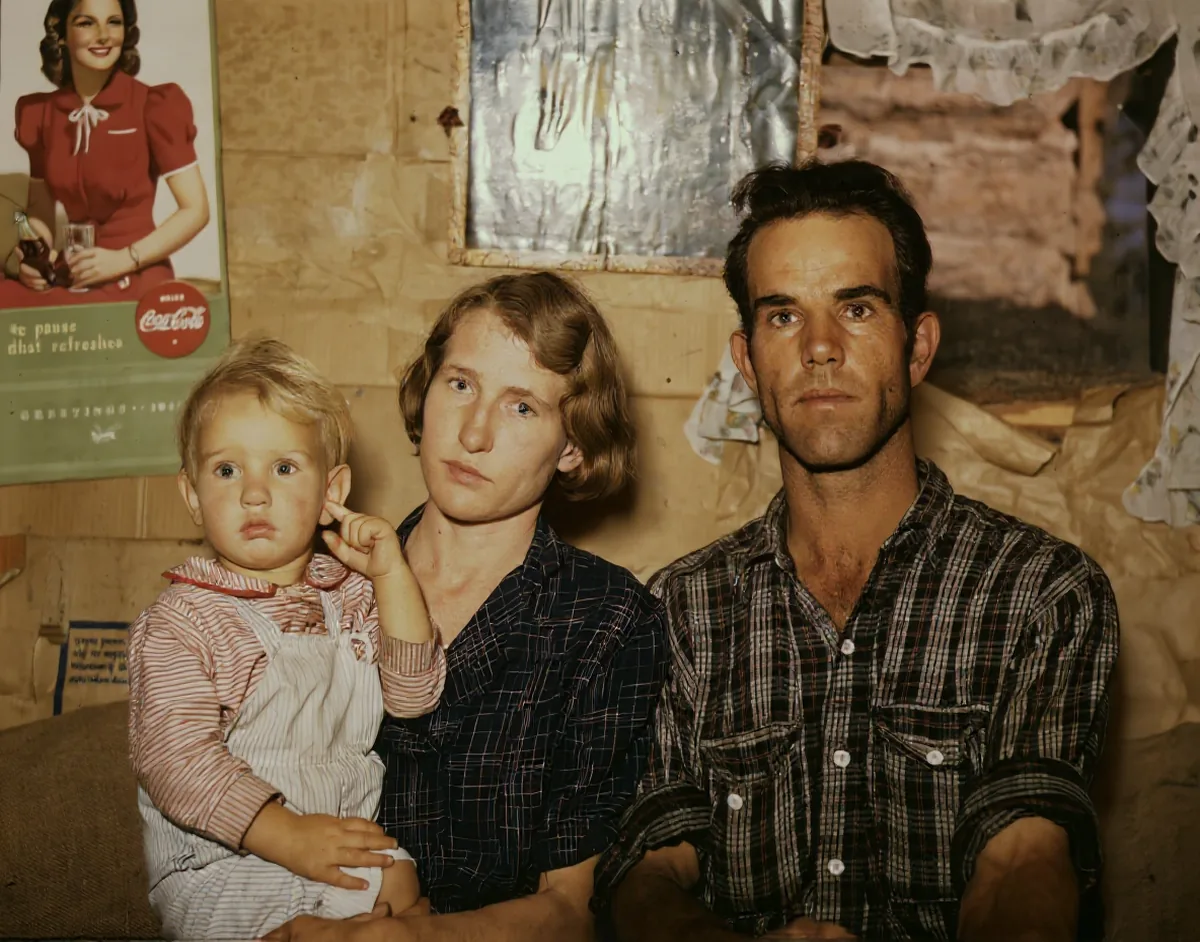
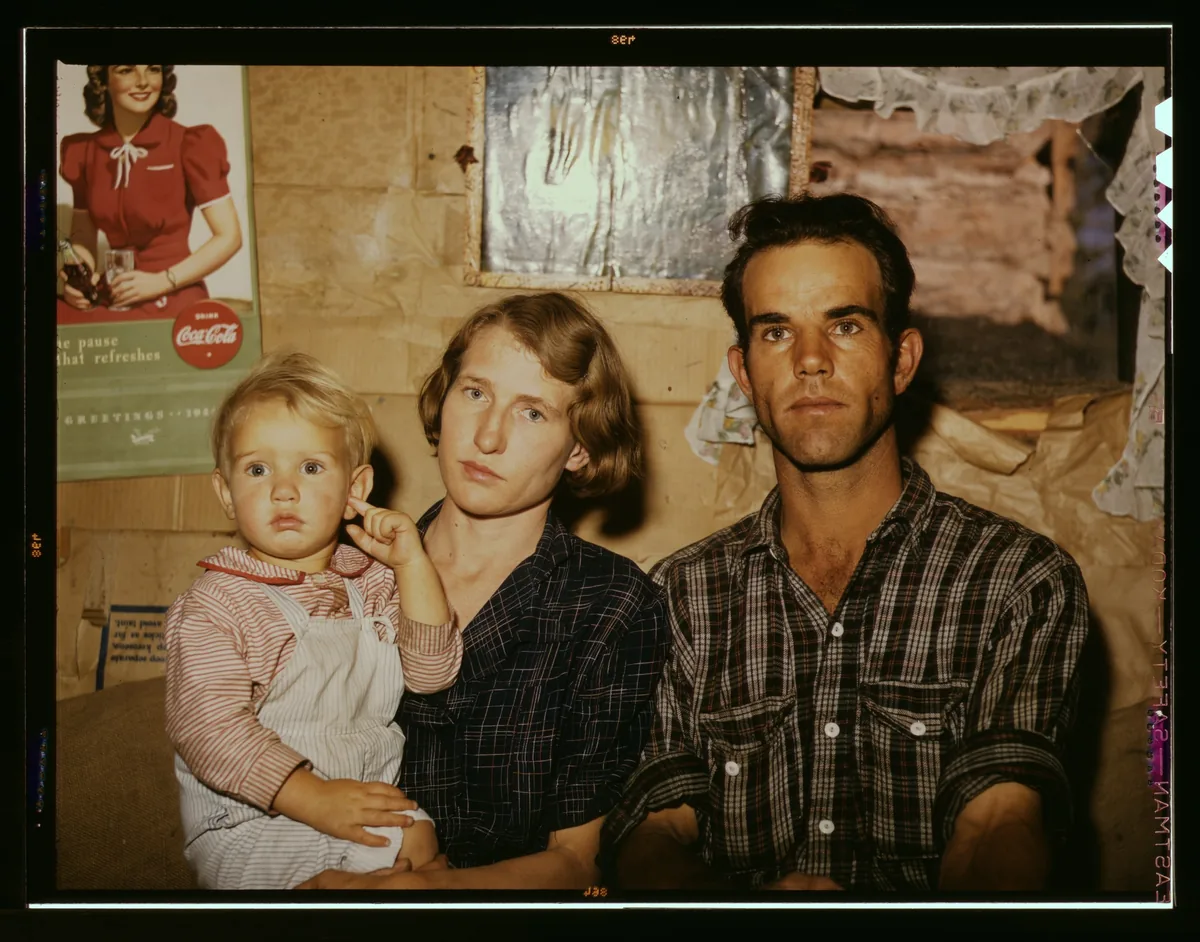
Face detail
Bring back eyes, skin, and hair in old portraits
Old photo restoration restores facial detail so parents and grandparents look recognizable again. Always compare with the original on identity-sensitive faces.
Sharpen faces free →
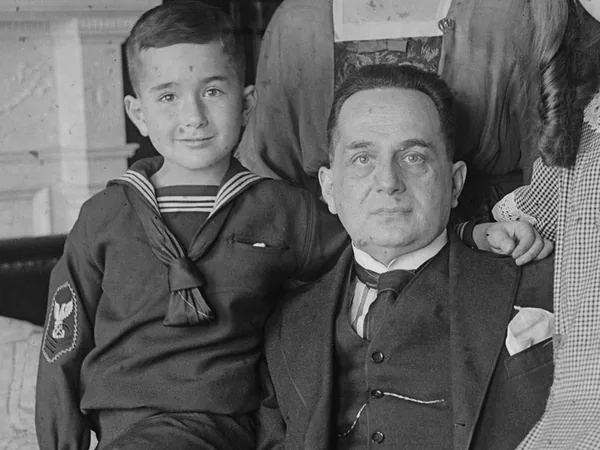
Colorize
Colorize black-and-white family photos
Old photo restoration often adds gentle, natural-looking color to B&W and sepia prints along with cleanup. Colors are an AI guess — keep your original for archives.
Colorize a photo free →What we fix
What Old Photo Restoration Can Fix
Pick a problem type to see real before/after examples — each card says what was fixed.
Scratches and Tears
Cleans many surface scratches, emulsion cracks, dust spots and light creases while keeping the original composition. Deep tears through a face or missing pieces are harder.
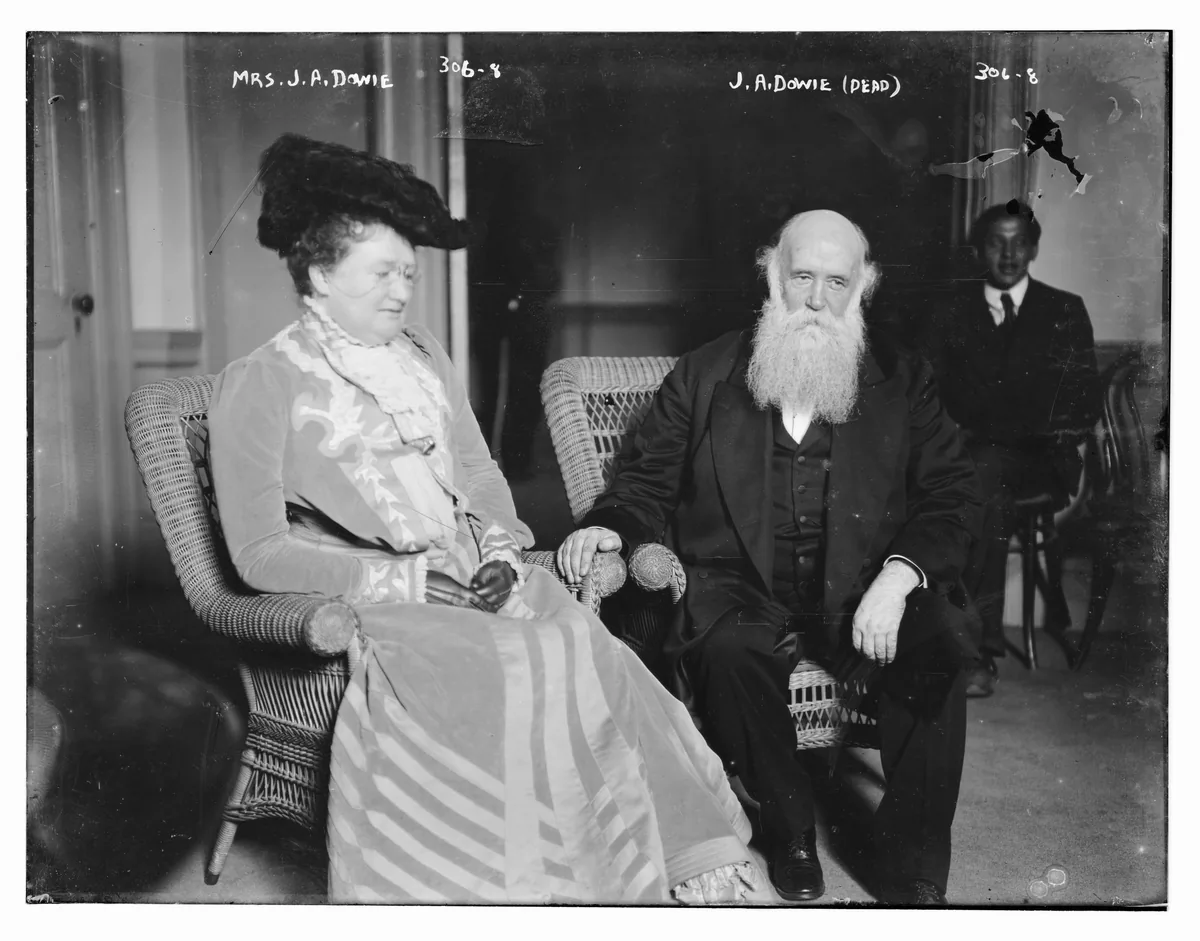 Before
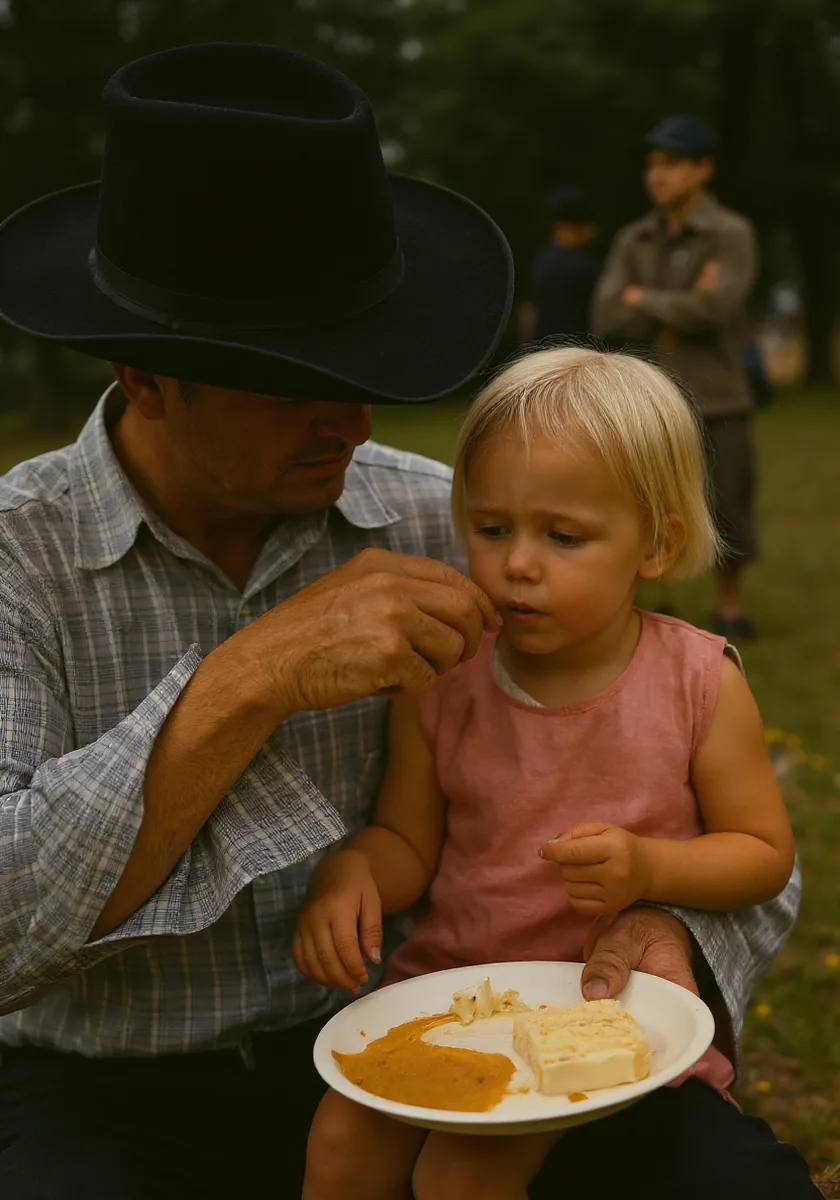
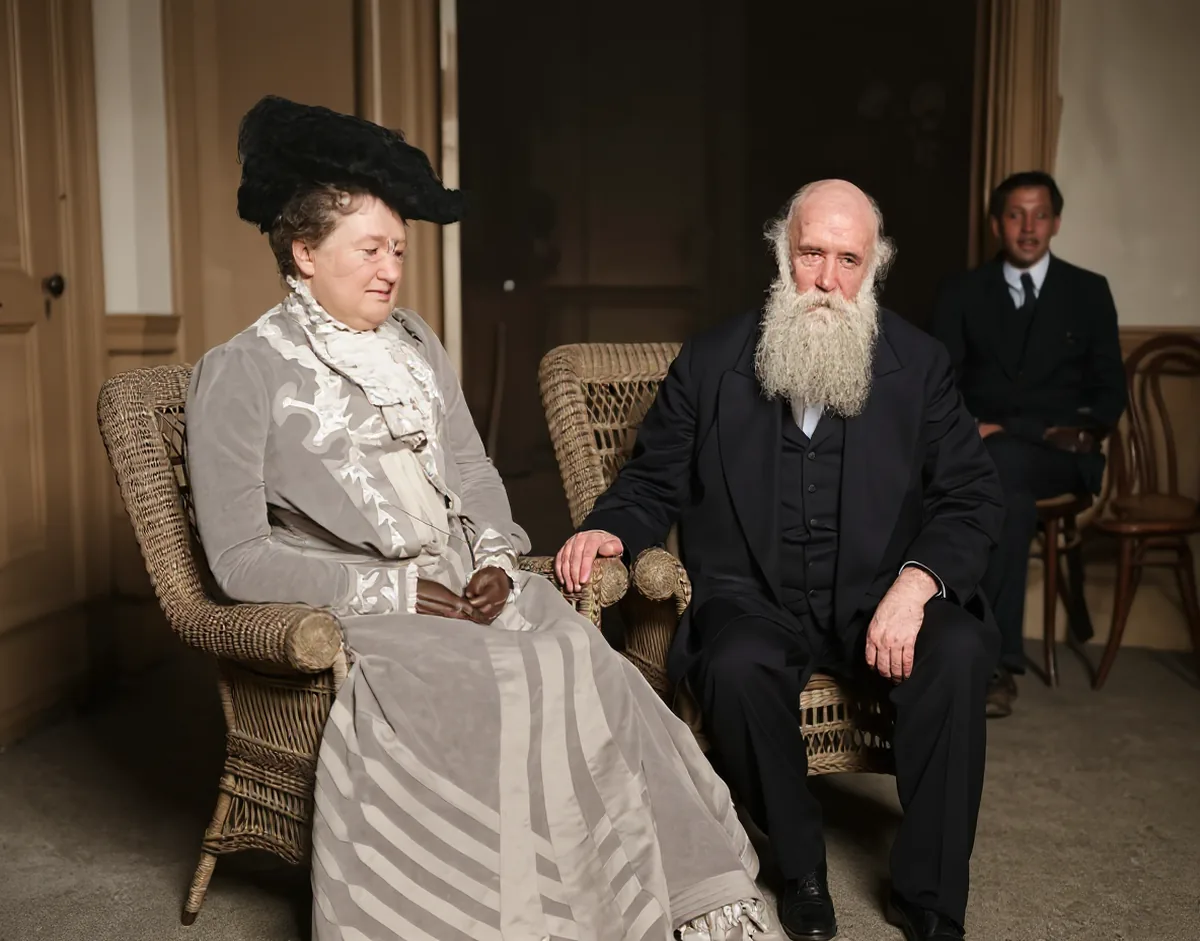 After
Fixed: print wear and fabric texture look cleaner; faces read more clearly.
Library of Congress, Prints & Photographs Division (No known restrictions)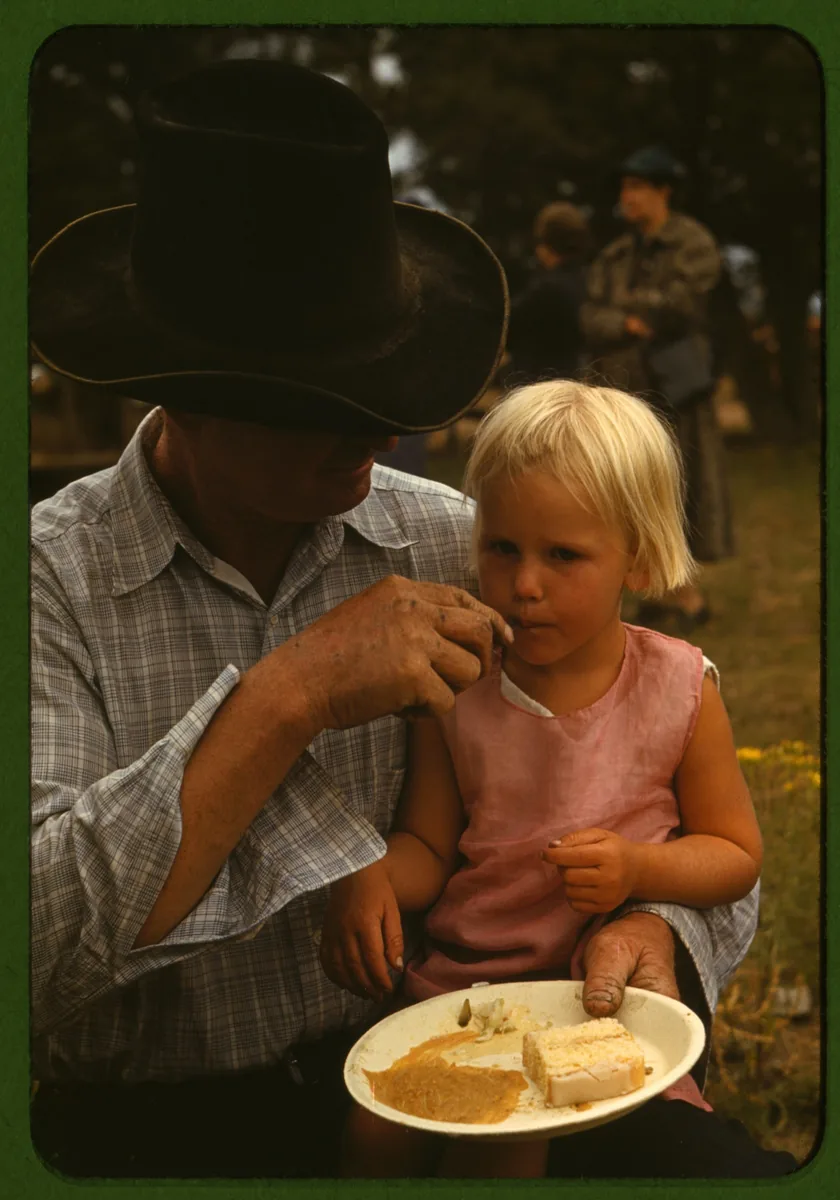
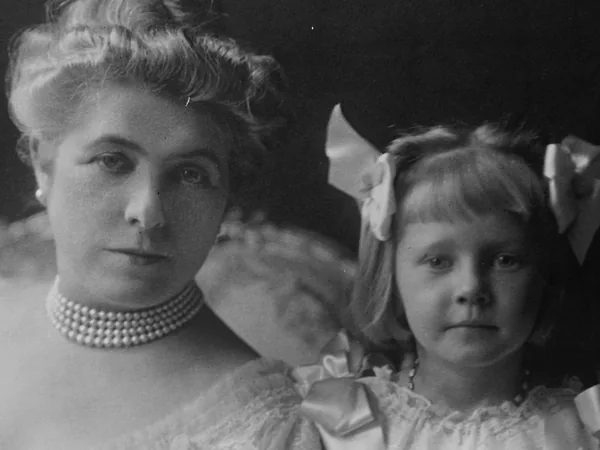
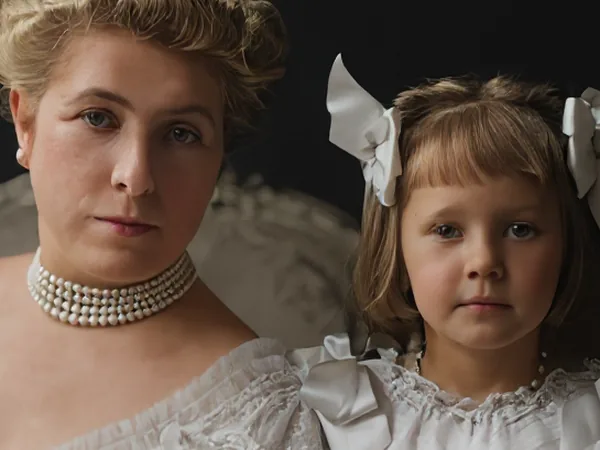
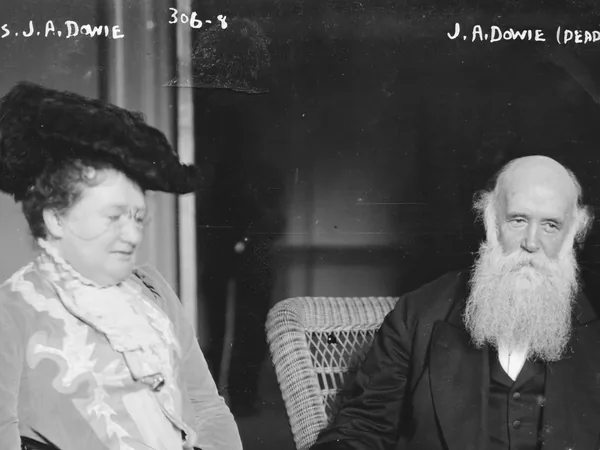
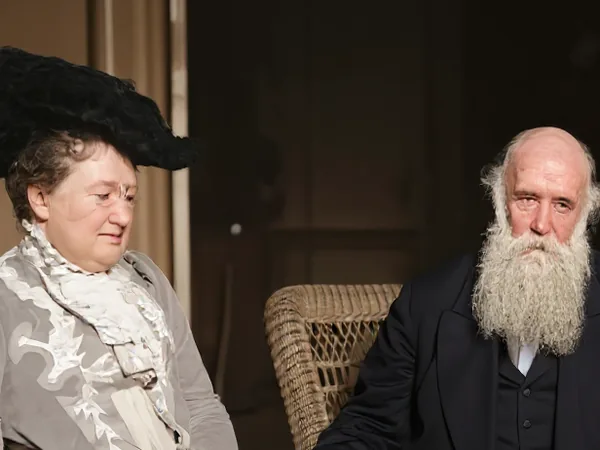
Free tier
Why Free Old Photo Restoration Can Still Be Good
Free old photo restoration does not have to mean low quality. RePhotoLab runs modern cloud AI restoration models focused on faces, scratches, and faded prints. We keep a free tier by keeping the product simple and focused on one job. Free exports are watermarked and capped at 1024px so we can offer a no-signup trial without hiding what the model can do.
That said, we want to be honest about what AI can and cannot do:
- Heavy damage, such as large stains, water damage or mold, may only partly improve.
- Missing parts of a photo cannot be truly recovered, because the original information is gone.
- Very small faces, for example in a large group photo, get less benefit than close-up portraits.
- AI may invent detail. Restored eyes, teeth or skin texture are the model's best guess, so a face can look slightly different from the real person. Always compare with the original.
For most family snapshots and portraits, the results are a big improvement. For priceless or badly damaged originals, keep the original scan and treat the AI version as a helpful new copy, not a replacement. Read more about AI photo restoration or restore wartime prints on our military photo restoration page.
Your photos stay private
Uploads and results are deleted within 48 hours. Photos are not used to train AI models and never appear in a public gallery — only you see your before and after while they are processed. Privacy policy
Plans
Start free, upgrade when you need more
Credit packs start at $4.9 — buy on the pricing page.
Free
1 photo/day as a guest (no signup), or 2/day and 20/month with Google sign-in — watermarked, max 1024px.
Family pack — $16.9
80 photos, one-time. Most popular for albums. Packs from $4.9.
Studio — $12.9/mo
60 photos/month; unused credits roll 1 month. Annual $99/yr.
Frequently asked questions
What does old photo restoration actually fix?
It sharpens faces, improves faded prints, and often cleans light scratches while restoring detail. Just upload a picture and wait for the result — no account needed.
Do I need to sign up?
No — guests get 1 free photo per day without an account (watermarked, max 1024px). Sign in with Google for 2 free photos per day (up to 20 per month, also watermarked). Credit packs unlock full-resolution, watermark-free exports at 1 credit per photo.
What file types and sizes can I upload?
You can upload JPG, PNG and WebP images. Typical phone photos and scanned prints work well. If you scan a print yourself, a clean, flat scan at a decent resolution gives the AI the most to work with.
Can it colorize black-and-white photos?
Yes. B&W and sepia photos are often restored with natural-looking color along with cleanup. Colors are guessed by the AI — keep your original for archives.
Can it fix scratches?
Yes for many surface scratches, emulsion cracks, dust spots and light creases. Deep tears or missing pieces of the print may not disappear completely.
What about badly damaged or torn photos?
Small tears and creases often improve. If part of the photo is missing, the AI cannot know what was there, so large missing areas will not be rebuilt reliably.
How long are my photos stored?
Uploaded originals and restored results are deleted within 48 hours. Download anything you want to keep before then.
Are my photos used to train AI?
No. We do not use your photos to train models.
Is there a watermark?
Yes on free exports — watermarked and capped at 1024px. Paid credit packs remove the watermark and unlock full-resolution exports.